

GenSumo
FREE TOOL

Free AI TikTok Bio Generator

Generate engaging TikTok bios instantly with AI. Create optimized bios for your profile with multiple variations, tone options, and optional emojis and hashtags to increase visibility and followers. Completely free, no sign up required.

WHY USE THIS TOOL

Create Viral TikTok Bios That Get Followers

Great bios turn viewers into followers. Our AI helps you craft bios that grab attention, communicate your value, and make people want to hit that follow button—all in seconds.

Stand Out in Seconds

TikTok moves fast. Your bio needs to grab attention immediately. Our AI creates punchy, memorable bios that make viewers stop scrolling and hit follow. No more generic bios that blend in.

Get More Followers

Bios that clearly communicate your value and personality get more follows. Our AI knows TikTok's culture and creates bios that resonate with the platform's audience and drive profile visits.

Test Multiple Variations

Generate 3-5 bio variations instantly and test which one works best. Switch between them based on performance. Our AI gives you options so you can find your perfect bio without the guesswork.

Match TikTok's Vibe

Our AI understands TikTok's unique culture and language. It creates bios that feel authentic to the platform, using the right tone, emojis, and style that TikTok creators and viewers expect.

AI Pin Generator
AI agent
CREATE PINS WITH AI

Generate Pinterest Pins with AI Agent

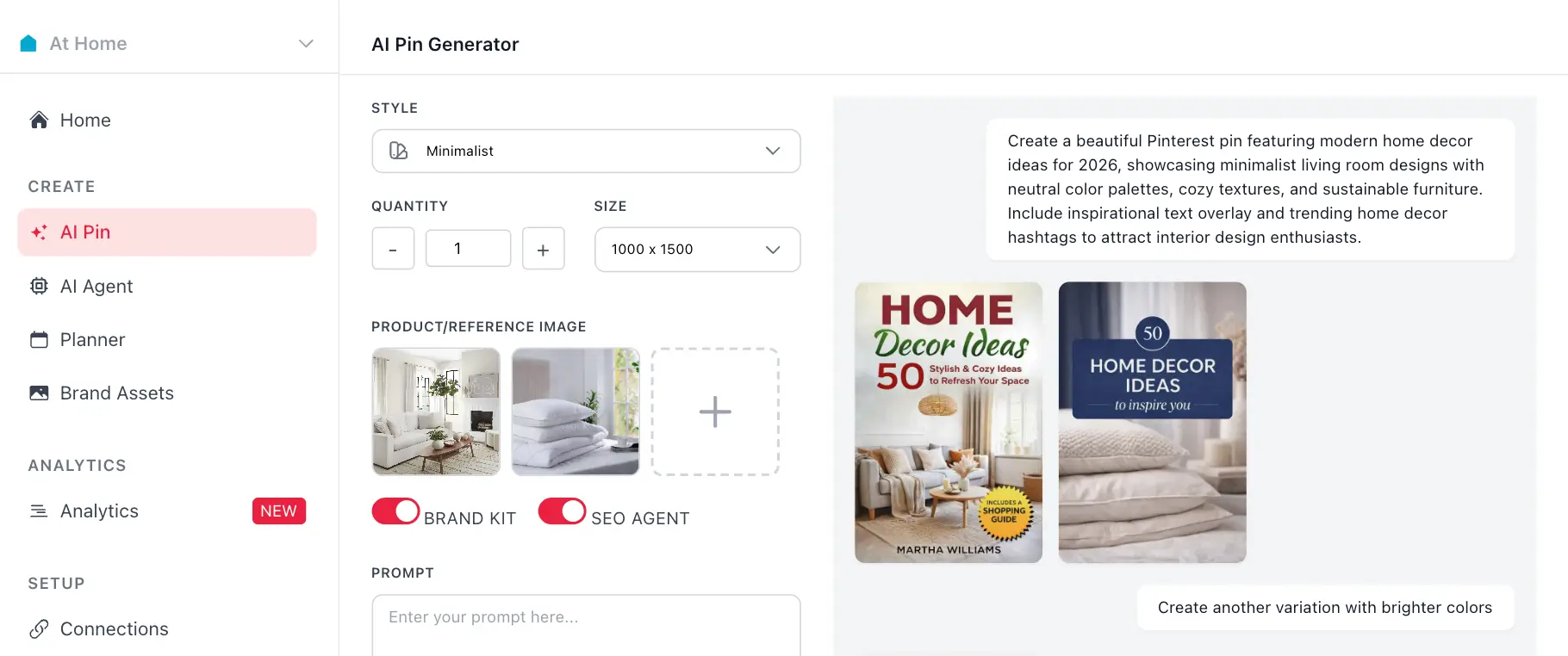
Use your generated hashtags with GenSumo's AI pin generator. Create stunning Pinterest pins with AI-generated titles, descriptions, and hashtags all in one place.

Try GenSumo Free
COMPLETE GUIDE

How to Craft a Viral TikTok Bio That Gets Followers

Creating a TikTok bio that actually works isn't complicated, but it does take strategy. Here's everything you need to craft a bio that stops the scroll and gets people to hit follow.

  1. Lead with Your Value

    With only 80 characters, every word counts. Start by clearly stating what you do or what value you provide. "Fitness coach sharing daily workouts" or "Comedy skits every Tuesday" immediately tells viewers why they should follow.

  2. Use TikTok Language and Trends

    TikTok has its own culture and language. Use phrases like "POV," "no cap," or "period" if they fit your brand. Reference trending sounds or challenges subtly. Show you understand TikTok's vibe.

  3. Add Personality with Emojis

    Emojis make your bio more eye-catching and fun. Use 2-4 emojis strategically to break up text and add personality. Don't overdo it—too many emojis look cluttered and unprofessional.

  4. Include a Call-to-Action

    Tell viewers what you want them to do. "Follow for daily tips," "Turn on notifications," or "Check out my latest video" gives clear direction. Make it easy for people to know the next step.

  5. Be Authentic and Relatable

    TikTok values authenticity over perfection. Use a casual, friendly tone that feels genuine. Share something real about yourself that people can connect with. Authenticity builds trust and followers.

  6. Test Multiple Variations

    Generate 3-5 bio variations and test which one performs best. Switch them out based on what gets more profile visits and follows. Your bio isn't permanent—update it as you learn what works.

  7. Edit the AI-Generated Bio

    Our AI gives you a great starting point, but add your personal touch. Include specific details about your niche, mention your posting schedule, or add inside jokes your audience will understand. The best bios feel unique, not generic.

AUTOMATION & SCHEDULING

Schedule and Automate Your Pinterest Strategy

After generating hashtags, use GenSumo's scheduling feature to plan and publish your pins at optimal times. Automate your Pinterest marketing with AI-powered scheduling and best time recommendations.

At Home favicon
At Home

Planner

February 2026

Draft 12 Scheduled 8 Published 24
SUN
MON
TUE
WED
THU
FRI
SAT
1
Pin scheduled for February 1Pin scheduled for February 1
+3
2
Pin scheduled for February 2Pin scheduled for February 2
3
Pin scheduled for February 3Pin scheduled for February 3
+1
4
Pin scheduled for February 4Pin scheduled for February 4
+1
5
Pin scheduled for February 5Pin scheduled for February 5
+4
6
Pin scheduled for February 6Pin scheduled for February 6
7
Pin scheduled for February 7Pin scheduled for February 7
+2
8
Pin scheduled for February 8Pin scheduled for February 8
+5
9
Pin scheduled for February 9Pin scheduled for February 9
+1
10
Pin scheduled for February 10Pin scheduled for February 10
11
Pin scheduled for February 11Pin scheduled for February 11
+3
12
Pin scheduled for February 12Pin scheduled for February 12
13
Pin scheduled for February 13Pin scheduled for February 13
+2
14
Pin scheduled for February 14Pin scheduled for February 14
+4
15
Pin scheduled for February 15Pin scheduled for February 15
16
Pin scheduled for February 16Pin scheduled for February 16
+3
17
Pin scheduled for February 17Pin scheduled for February 17
+1
18
Pin scheduled for February 18Pin scheduled for February 18
+3
19
Pin scheduled for February 19Pin scheduled for February 19
20
Pin scheduled for February 20Pin scheduled for February 20
+4
21
Pin scheduled for February 21Pin scheduled for February 21
+1
22
Pin scheduled for February 22Pin scheduled for February 22
+6
23
Pin scheduled for February 23Pin scheduled for February 23
24
Pin scheduled for February 24Pin scheduled for February 24
+2
25
Pin scheduled for February 25Pin scheduled for February 25
+3
26
Pin scheduled for February 26Pin scheduled for February 26
+2
27
Pin scheduled for February 27Pin scheduled for February 27
+5
28
Pin scheduled for February 28Pin scheduled for February 28
+3
Start Scheduling Free
FAQ

Frequently asked questions

Your most important questions about our free TikTok bio generator answered here.
Our free AI powered bio generator uses advanced machine learning to analyze your description and create engaging, TikTok-optimized bios. Simply tell us about yourself or your brand, choose your language, number of variations, tone, and decide if you want emojis or hashtags included. Our AI will generate bio variations tailored to your content.
Yes, our TikTok bio generator is completely free to use. No sign up required, no credit card needed, and no hidden fees. Generate as many bio variations as you need without any limitations.
TikTok bios are limited to 80 characters, so every word counts. Our AI creates bios that are punchy, memorable, and use TikTok's unique language and trends. They're designed to grab attention quickly and make viewers want to follow you.
Emojis can make your TikTok bio more eye-catching and fun, which fits TikTok's playful culture. Our tool lets you toggle emojis on or off, so you can choose what matches your brand personality. Many successful TikTok creators use 2-4 emojis strategically.
Absolutely! The generated bios are fully editable. You can copy any variation and modify it however you like. Add your personal touch, include specific keywords, or adjust the tone to match your unique voice and content style.
We recommend generating 3-5 variations so you can test different approaches. Try different tones, emoji placements, and styles to see which resonates most with your audience. You can always switch your bio later based on what works best.
TikTok favors authentic, fun, and relatable content. Our tool offers tones like casual, humorous, and creative that work well on TikTok. However, choose the tone that best represents your brand and the type of content you create.
Yes! Our bio generator supports multiple languages including English, Spanish, French, German, Portuguese, Italian, Japanese, Korean, and Chinese. Perfect for reaching global audiences or localizing your TikTok presence.
TikTok bios have a strict 80-character limit, so brevity is essential. Our AI generates bios that maximize impact within this limit, using every character strategically to communicate who you are and what you do.
Not at all! Whether you're new to TikTok or a seasoned creator, our AI helps you write bios that work. Just describe yourself or your brand, and our AI handles the rest—giving you multiple options you can customize to match your style.